
Keyless SSH
One click to any server. The broker injects the credential, so nothing sits on a laptop to lose or rotate.
Scoped, time-boxed access to any server, cluster or database: granted per session, never standing. The credential stays sealed on the broker, and every session is recorded.
One broker for SSHKubernetesDatabasesRDPOIDC SSOSCIM
ssh app-prod-01.tessera.local
→ connecting to app-prod-01 …
Last login: Sun Aug 17 16:04:11 2026 from 10.0.0.4
[tessera] Read-only session — the following commands are blocked:
apt, chmod, chown, dd, mv, rm, shutdown, systemctl, useradd
also blocked: scripts, output redirection (> / >>), sftp/scp.
root@app-prod-01:~$ rm -rf /var/log/api
[tessera] blocked — 'rm' is not allowed in read-only mode
root@app-prod-01:~$
Runs on your infrastructure — wherever it lives
Most teams run a bastion host, SSH keys handed out by configuration management, and a spreadsheet of who holds which key that stays accurate until somebody leaves. Tessera replaces all three with one broker, and changes nothing about how engineers connect.
SSH · k8s · DB · RDP roles · approval · injection server · cluster Click Connect and keep using your normal SSH, kubectl, SQL and RDP tools. No new workflow to learn.
The broker checks the user's role and any just-in-time approval, then injects the real credential on the wire. For SSH, Kubernetes and databases the secret never touches the laptop.
Commands, queries and full replay land in an append-only log and stream to your SIEM as they happen — compliance evidence, automatically.
The same console a customer gets, loaded with sample infrastructure: fourteen targets, nine people, sixty past sessions and six real recordings. Two engineers are connected to production in it right now, and you are the administrator.
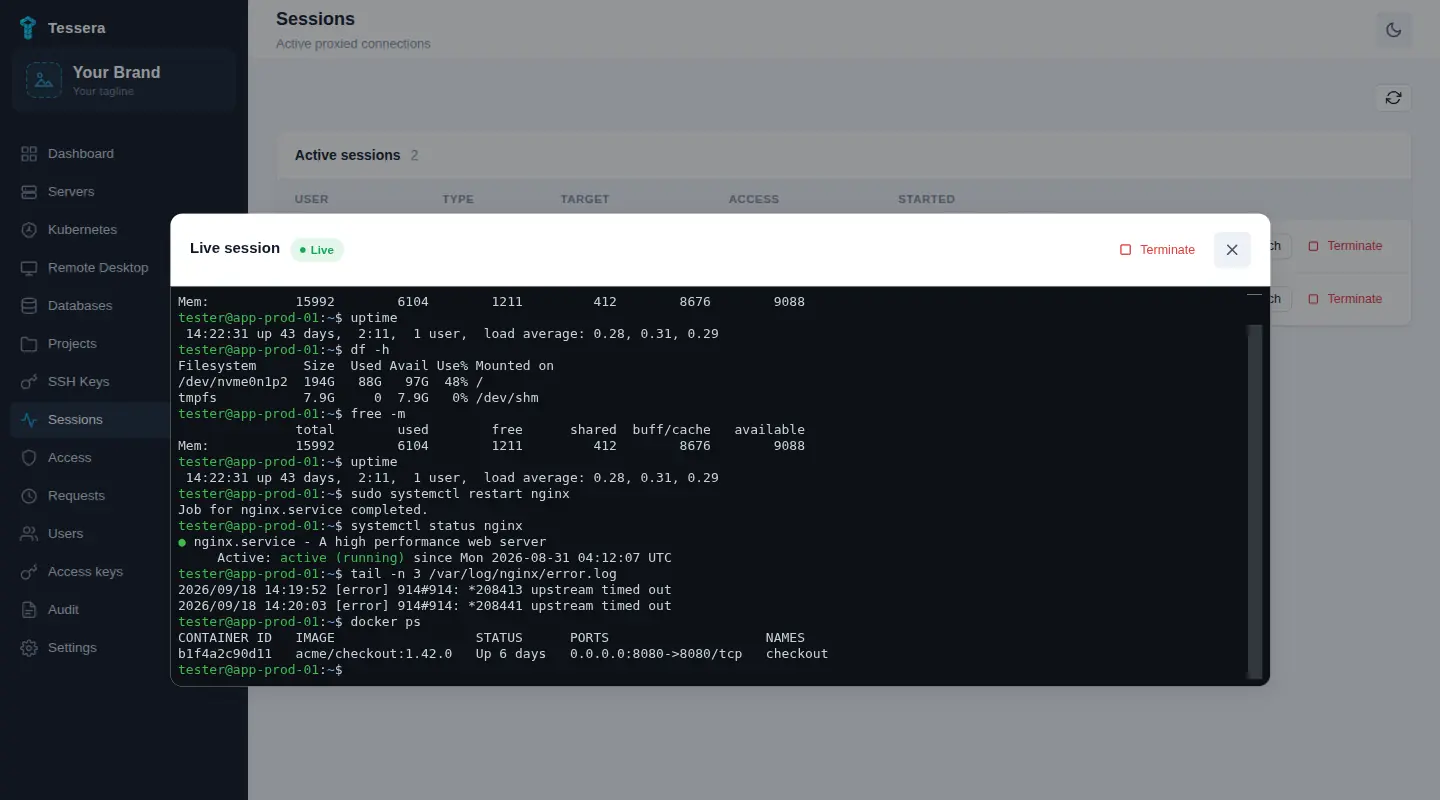 Open it
Tessera is not certified against ISO 27001 or SOC 2, and self-hosting a tool does not make your company compliant. Both frameworks ask an auditor to test whether specific controls operated across the review period, on evidence rather than a policy document. That evidence is what the audit log produces.
The per-command and database query logs are in every edition, Community included. Just-in-time approval and session replay start at Pro, the SIEM stream at Ultimate. Full split in the editions table.
One click to any server. The broker injects the credential, so nothing sits on a laptop to lose or rotate.
Add a cluster once. Your team keeps its existing kubectl workflow, and every call is audited.
PostgreSQL and MySQL, credentials injected. Read-only is enforced at the SQL layer, not merely requested.
Brokered RDP to Windows hosts. The credential goes to the native client over stdin, never shown and never written to disk.
No standing access. Engineers request what they need, you approve in one tap, and the grant expires by itself.
Full replay and per-command history. Shadow a live session and force-close it the moment something looks wrong.
Downgrade a live session to read-only with no reconnect. Every login, command and approval streams to your SIEM.
Tessera is the control point between your engineers and production, so it is built to earn that position.
Most access tools control who can connect. Tessera also controls what happens once you're inside the session.
| Tessera | Teleport | StrongDM | Boundary | |
|---|---|---|---|---|
| Where Tessera goes further | ||||
| Kill write access mid-session — no reconnect flip a live session RW → RO in one tap — on SSH, Kubernetes and SQL alike | ||||
| Nothing installed — and nothing reconfigured — on your targets your servers, clusters and databases stay exactly as they are | ||||
| Fully self-hosted control plane no vendor cloud anywhere in the access path | ||||
| One read-only switch across SSH · Kubernetes · SQL same policy, every protocol — not a per-protocol reimplementation | ||||
| And everything you'd expect | ||||
| Credentials injected on the controller — never on the user's machine SSH · Kubernetes · SQL | ||||
| Session recording + live watch & force-close | ||||
| Just-in-time access · RBAC · SSO · SCIM | ||||
| Audit export to your SIEM | ||||
Checked against each vendor's own published documentation on 14 August 2026; products change, so verify before relying on it. A cross means the vendor does not document the capability, not that we tested it and it failed. A half-circle means partial: supported with limits or with extra setup. Capabilities vary by edition, and the edition-by-edition detail for each vendor is on its own comparison page below.
Row by row, with where each of them beats us: Tessera vs Teleport Tessera vs StrongDM Tessera vs Boundary
Free to self-host, forever. Pay per seat only when you need the team controls: predictable, and an easy win against tools that charge per server.
Pay yearly and save up to 20% vs. monthly. Launch offer: start an annual Ultimate plan within the first 6 months and lock in $30/seat/mo instead of $36. Bigger teams and multi-year terms get deeper discounts.
Deploy Tessera in minutes and broker your first connection today.
We would like to count visits with Google Analytics, which needs a cookie. Nothing is loaded and nothing is stored unless you accept. What this sets.